
Thermalright TL-C14C-S X3
4.7Editor score
75.8CFM airflow output
S-FDB bearing technology
5V 3PIN ARGB lighting
Discover the top ARGB 140mm fans for cooling and style. This guide compares performance, noise, lighting, and value to help you choose the perfect case fans.
Building a high-performance PC requires careful attention to airflow and thermals. ARGB 140mm fans offer an excellent balance of cooling power and visual appeal for modern builds. Choosing the right model ensures your components stay cool while showcasing your system aesthetics beautifully.
We analyzed ten top-rated 140mm fans based on airflow, noise levels, bearing types, and lighting customization. Each product was evaluated for build quality, PWM control, and compatibility with common motherboard RGB standards to provide reliable recommendations for various budgets and needs.
Each pick highlights key strengths like static pressure, daisy-chaining, or silent operation. Prices and availability fluctuate regularly, so verify current details before purchasing. This guide aims to simplify your decision with honest insights into performance and value for your next PC upgrade.
4.7Editor score

4.6Editor score
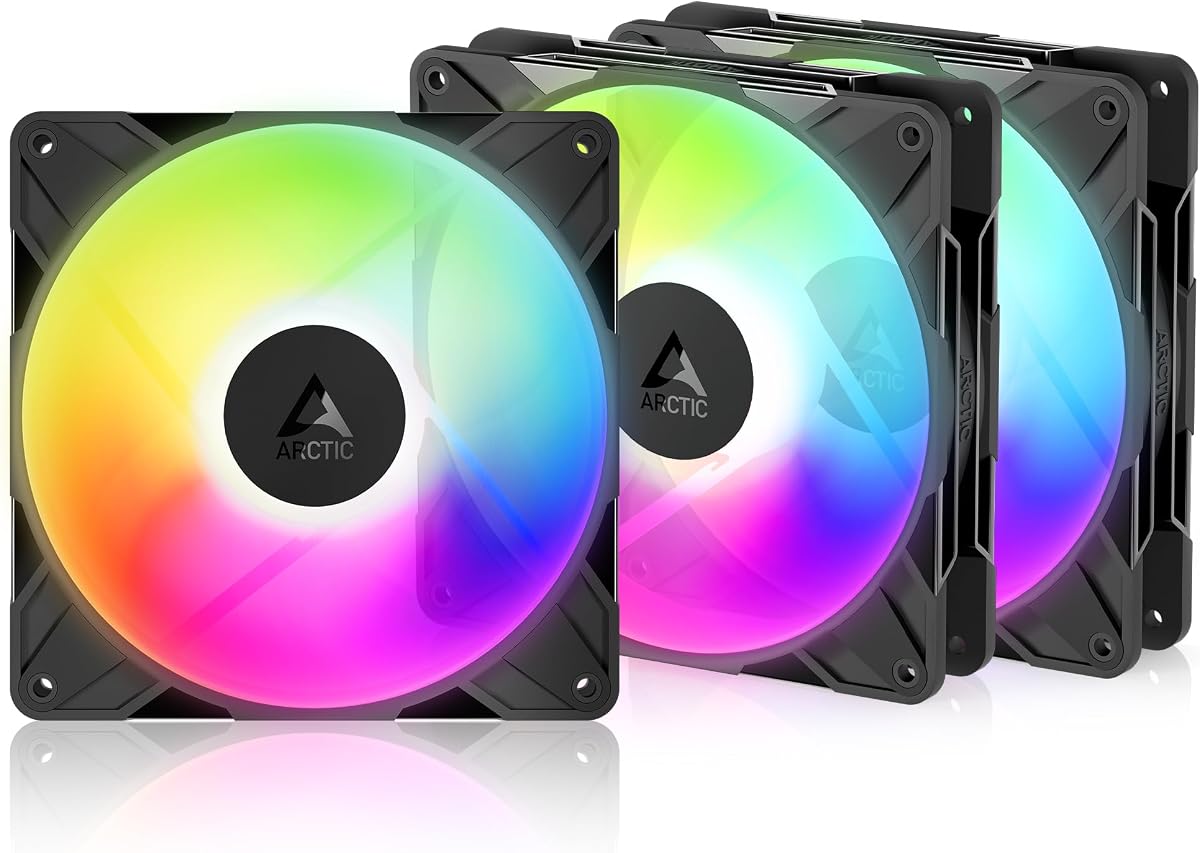
4.6Editor score
This comparison table outlines key specifications for all ten selected fans to help you evaluate airflow, noise, and features at a glance.





The Thermalright TL-C14C-S X3 offers exceptional value as a three-pack of 140mm ARGB fans. With a 4.7 rating from users, it delivers quiet performance and solid cooling for budget builds without sacrificing aesthetics or thermal reliability.
We may earn a commission when you buy through this link, at no additional cost to you.
Its S-FDB bearing ensures smooth, quiet operation while the 75.8CFM airflow keeps cases well-ventilated. The atomizing ARGB blades reflect light softly for a polished look, and PWM control allows adaptive speed adjustments based on system temperature.
While the 1500RPM max speed is lower than high-performance rivals, it remains sufficient for most case and radiator setups. Some users may need a compatible motherboard for full lighting synchronization, but the 17 light modes provide ample customization.
Buyers seeking affordable, reliable cooling with attractive RGB should prioritize this pack. It balances cost and performance effectively, making it ideal for first-time builders or those expanding airflow without overspending on premium features.
Noise levels stay under 26.4dBA even at full speed, ensuring a peaceful environment during gaming or work.
The fans suit case intake, exhaust, or radiator mounts thanks to their balanced airflow and pressure ratings.
We may earn a commission when you buy through this link, at no additional cost to you.
The CORSAIR RS140 ARGB fans stand out with 95.5CFM airflow and robust static pressure, making them ideal for radiators or dense case setups. Rated 4.6 by users, they combine performance with streamlined daisy-chain cabling for cleaner builds.
We may earn a commission when you buy through this link, at no additional cost to you.
AirGuide technology directs airflow precisely to hot components, while the Magnetic Dome Bearing reduces friction and noise. PWM speeds reach 1700RPM, offering aggressive cooling when needed, and eight LEDs per fan deliver vibrant customizable lighting effects.
The higher cost reflects premium build quality and easier installation, though buying only two fans may require additional purchases for full case coverage. Compatibility with CORSAIR software ensures seamless RGB control across other system components.
Enthusiasts prioritizing cooling efficiency and cable management will find these fans worthwhile. Their balance of airflow, noise, and aesthetics makes them a top choice for mid to high-end builds seeking reliable thermal performance.
Daisy-chain connections use only one PWM and ARGB connector per fan group, reducing clutter and setup time.
Anti-vortex vanes guide air toward radiators or heatsinks for more effective heat dissipation in restricted spaces.
We may earn a commission when you buy through this link, at no additional cost to you.
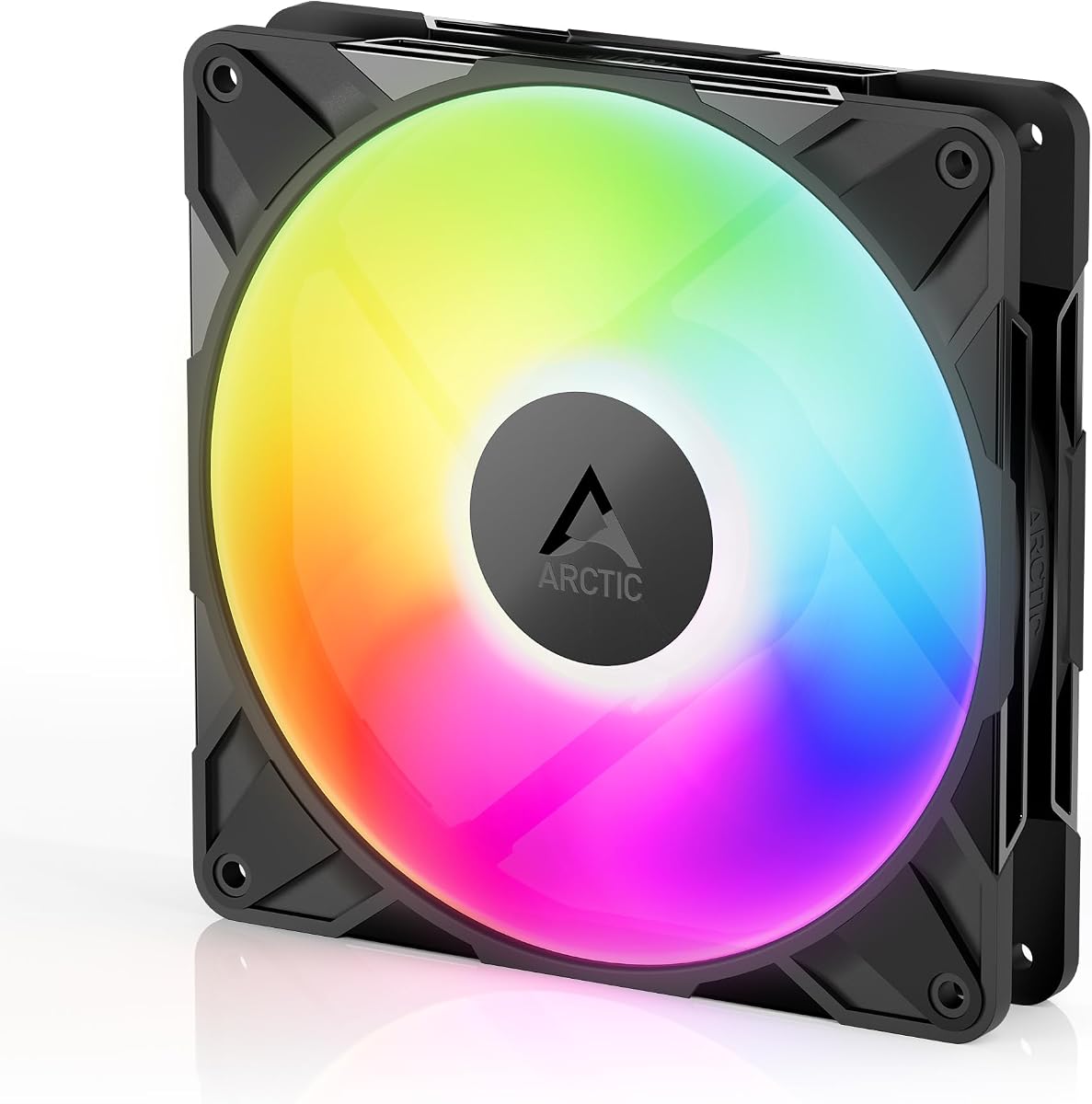
The ARCTIC P14 Pro Reverse A-RGB features a specialized reverse airflow design perfect for glass-fronted cases where fans face outward. Rated 4.6, this three-pack delivers premium cooling with up to 2650RPM speed and efficient hydrodynamic bearing technology.
We may earn a commission when you buy through this link, at no additional cost to you.
High static pressure enables effective airflow through dense radiators, while the wide PWM range allows silent stops below 5% duty cycle. Precision manufacturing minimizes vibrations, ensuring smooth, quiet operation during daily use or intense workloads.
The reverse design improves aesthetics but demands correct installation to avoid airflow issues. RGB synchronization depends on motherboard support, and the higher RPM may produce slight noise at maximum settings under heavy thermal loads.
Builders seeking sleek glass-panel aesthetics without compromising cooling should choose this pack. Its combination of airflow performance, bearing quality, and unique design makes it a standout premium option for modern PC builds.
Draws air from the back to hide cable clutter and maintain clean visuals on glass side panels.
Strong static pressure handles resistance from thick radiators, ensuring consistent thermal performance.
We may earn a commission when you buy through this link, at no additional cost to you.
The Thermaltake CT140 EX ARGB pack introduces MagForce 2.0 magnetic connections for easy fan daisy-chaining. With a 4.6 rating, these fans simplify installation with a single cable while delivering vibrant 16.8 million color lighting effects.
We may earn a commission when you buy through this link, at no additional cost to you.
Optimized hydraulic bearings ensure quiet, reliable operation, and embedded anti-vibration mounts reduce case resonance. The nine addressable LEDs per fan support 5V motherboard sync for integrated lighting across compatible systems and software platforms.
While magnetic connectors are innovative, they may require occasional checks to maintain secure connections. RGB customization often relies on Thermaltake software for full control, which might limit options on non-supported motherboards.
Users valuing streamlined cabling and colorful lighting should consider these fans. Their innovative connection system and solid build quality offer a distinct advantage for those seeking hassle-free setup and aesthetic customization.
Magnetic connectors eliminate the need for separate Y-splitter cables, speeding up build times significantly.
Integrated anti-vibration mounts help reduce noise transfer to the chassis for quieter system operation.
We may earn a commission when you buy through this link, at no additional cost to you.
The AsiaHorse Amici 140mm fan features a captivating infinity mirror effect with 24 LED beads for dynamic lighting. Rated 4.5, it delivers strong airflow of 89.77CFM and a 50000-hour lifespan thanks to its hydraulic bearing construction.
We may earn a commission when you buy through this link, at no additional cost to you.
PWM speeds reach 2000RPM for effective cooling under heavy loads, while compatibility with Aura Sync and other systems ensures broad RGB integration. Wired daisy-chaining simplifies setup for up to three fans per chain without extra splitters.
At maximum speed, noise levels rise slightly, though rubber pads help reduce vibration. The infinity mirror effect is visually stunning but may distract users preferring subtle lighting schemes in their builds.
Gaming and workstation builders seeking standout visuals with solid cooling should favor this model. Its blend of lighting innovation, airflow capacity, and long durability makes it a compelling mid-range choice.
LED arrangement creates a depth effect that enhances case aesthetics without requiring additional light strips.
Closed-loop lubrication minimizes wear, ensuring consistent performance over years of continuous operation.
We may earn a commission when you buy through this link, at no additional cost to you.
The Cooler Master MasterFan MF140 features a distinctive duo-ring ARGB design that creates a halo effect around the fan rim. With a high 4.8 rating, it combines visual flair with hybrid static pressure blades for effective cooling.
We may earn a commission when you buy through this link, at no additional cost to you.
Noise reduction technology and sound-absorbing materials keep operation quiet, while PWM speeds range from 650 to 1500RPM for flexible thermal control. Addressable RGB supports major sync platforms for seamless system-wide lighting integration.
Priced as a single fan, buyers will need multiple units for full case coverage, increasing overall costs. Cable length may require extensions for optimal routing in larger cases with limited header access.
Individual fan buyers prioritizing lighting uniqueness and noise performance should consider this model. Its standout design and strong reliability make it suitable for accent cooling or smaller build setups.
Two independent LED rings create a striking visual contrast that stands out in any PC chassis.
Absorbing materials dampen noise effectively, ensuring a peaceful experience during prolonged use.
We may earn a commission when you buy through this link, at no additional cost to you.
The ARCTIC P14 Pro A-RGB delivers extreme performance with up to 3000RPM speed and a reliable fluid dynamic bearing. Rated 4.6, its redesigned blades balance high airflow with low noise at moderate speeds for efficient cooling.
We may earn a commission when you buy through this link, at no additional cost to you.
Static pressure handles dense radiators effectively, ensuring consistent airflow in restricted spaces. PWM control allows speeds down to near stop, and 5V digital RGB provides customizable lighting without dedicated hubs for most users.
Maximum speed generates noticeable noise, making it better suited for cases prioritizing cooling over silence. RGB customization depends on motherboard support, and some builds may need splitters for multi-fan setups.
Users needing aggressive cooling for high-performance systems should select this fan. Its speed and static pressure offer excellent value for those willing to trade some noise for maximum thermal performance.
The 3000RPM speed ensures rapid heat dissipation for overclocked CPUs or hot-running GPUs.
Optimized blades maintain quiet operation at typical loads while delivering strong cooling efficiency.
We may earn a commission when you buy through this link, at no additional cost to you.
The Thermalright TL-C14C-S X3 Black emphasizes silent operation with a 7-blade noise-reducing design. Rated 4.6, it includes soft silicone feet and PBT+PC materials to minimize vibration and ensure long-lasting performance in quiet builds.
We may earn a commission when you buy through this link, at no additional cost to you.
Airflow stays around 75.8CFM with manageable noise under 26.4dBA, ideal for workspaces requiring low sound levels. PWM speeds up to 1500RPM balance cooling needs with acoustic comfort during extended usage.
RGB lighting offers basic synchronization, lacking advanced customization found in premium models. Lower max RPM limits suitability for high-performance radiators but remains effective for standard case ventilation needs.
Silence-focused builders seeking reliable, affordable cooling should prioritize this pack. Its acoustic optimization and solid build quality provide excellent value for quiet workstation or home theater PC setups.
Silicone feet and blade design work together to minimize noise transfer and operational hum.
PBT+PC plastic resists warping and wear over time, ensuring consistent structural integrity.
We may earn a commission when you buy through this link, at no additional cost to you.
The ARCTIC P14 Pro Reverse Single holds an impressive 4.9 rating, reflecting superior build and performance quality. Its reverse airflow design suits modern glass cases, offering 2650RPM speed and reliable hydrodynamic bearing technology for long-term use.
We may earn a commission when you buy through this link, at no additional cost to you.
Precision manufacturing reduces vibration while high static pressure ensures consistent cooling through radiators. RGB lighting integrates with 5V motherboard headers for synchronized effects without extra controllers in most configurations.
Buying a single fan allows targeted replacements but costs more per unit than multi-packs. The reverse design demands correct orientation to function as intended, which may confuse first-time builders installing it.
Users upgrading a single exhaust or intake spot will appreciate this fan's rating and aesthetics. Its specialized design and strong feedback make it ideal for focused thermal or visual improvements.
The 4.9 rating highlights consistent performance and quality across diverse user setups.
Reverse airflow hides rear cables, maintaining clean looks through transparent side panels.
We may earn a commission when you buy through this link, at no additional cost to you.
The Thermalright TL-C14C-S Single offers the most budget-friendly entry into 140mm ARGB cooling. Rated 4.7, it delivers silent operation and reliable cooling with an S-FDB bearing and 7-blade noise-reducing design.
We may earn a commission when you buy through this link, at no additional cost to you.
PWM speeds up to 1500RPM provide balanced thermal performance, and the compact footprint fits most cases and radiator setups easily. ARGB lighting enhances aesthetics with standard 5V 3PIN compatibility for major motherboard brands.
RGB control relies on motherboard headers, so systems without compatible ports may need adapters. Lacking daisy-chain features means each fan needs individual connections, increasing cable clutter in multi-fan builds.
Cost-conscious buyers needing one or two fans should consider this model. Its combination of affordability, quiet operation, and adequate performance makes it a practical choice for basic airflow upgrades.
This fan provides essential ARGB cooling at a price accessible to nearly any budget.
S-FDB bearings ensure long-lasting, smooth operation without frequent replacements or maintenance.
We may earn a commission when you buy through this link, at no additional cost to you.
Selecting the right ARGB 140mm fans involves evaluating airflow, noise, and RGB compatibility to match your case and cooling needs effectively.
Airflow measured in CFM determines how much air moves through your case, while static pressure indicates ability to push through restricted areas like radiators. For standard case ventilation, prioritize high CFM, but radiators need higher static pressure ratings.
Choose fans with balanced specs for your specific setup to ensure efficient cooling without excessive noise or strain.
Bearing types impact longevity and noise levels. S-FDB and hydrodynamic bearings offer smooth, quiet operation with longer lifespans compared to sleeve bearings common in budget fans.
Invest in fans with fluid dynamic or hydrodynamic bearings for reliable performance and reduced maintenance over time.
Noise ratings in dBA indicate how loud fans are at full speed. Silent builds benefit from fans under 30dBA, while performance-focused systems may tolerate higher levels for better cooling.
Prioritize low noise specifications if your PC resides in quiet spaces like bedrooms or offices.
Ensure fans use 5V 3PIN ARGB to match your motherboard header type. Some require specific software or hubs for full customization, while others sync natively with major brands.
Verify motherboard support and connector types before purchasing to avoid compatibility issues.
Fans with daisy-chain connectors allow multiple units to share one PWM and RGB cable, reducing clutter and simplifying builds. Look for models supporting this feature if installing several fans.
Prioritize daisy-chain support for cleaner setups and easier management across multiple fan locations.
PWM control allows speeds to adjust based on temperature. Wide ranges offer flexibility between silent low speeds and aggressive high-speed cooling under load.
Select fans with broad PWM ranges to balance noise and performance dynamically.
Fans are often sold in singles, duals, or triples. Buying packs usually lowers the per-unit cost but ensures you have enough for complete case coverage.
Calculate total needs for intake and exhaust before choosing pack sizes for better value and efficiency.
Check case dimensions and mounting options to ensure 140mm fans fit. Radiator fans should match the cooler size for optimal performance and airflow efficiency.
Verify physical clearance and mounting points before finalizing your fan selection.
Install fans with consistent airflow direction using intake for front/bottom and exhaust for rear/top to maximize case cooling efficiency. Use rubber mounts or screws with washers to minimize vibration and noise transfer to the chassis.
Connect PWM and RGB cables to matching motherboard headers or hubs, ensuring secure connections for stable control and lighting. Use daisy-chain connectors when available to reduce cable clutter and simplify your setup.
Periodically clean dust from fan blades and bearings with compressed air to maintain performance and quiet operation. Avoid using liquids or excessive force to prevent damage to electrical components or fan motors.
5V ARGB uses three pins for addressable LEDs allowing individual control per light, while 12V RGB uses four pins with non-addressable lights. Using the wrong type can damage components, so verify your motherboard header matches the fan connector.
No, ARGB fans work with standard motherboard RGB headers. However, full customization and synchronization usually require manufacturer software like ASUS Aura Sync or Corsair iCUE to adjust colors and effects effectively.
Case fans prioritize high airflow for moving air, while radiator fans need high static pressure to push air through dense fins. Choose based on where you install the fan inside your system for optimal thermal performance.
Most daisy-chain connectors are proprietary and work only with matching models. Always confirm compatibility within the same product line or series to avoid connection failures or lighting mismatches.
Typical 140mm fans range from 25dBA to 35dBA at full speed. Quiet builds should aim for under 30dBA, while performance models may exceed this for increased cooling power and airflow rates.
General cooling needs are met between 1000RPM and 2000RPM. Higher speeds increase noise but deliver better cooling under heavy loads or in tightly restricted case environments with limited airflow space.
The Thermalright TL-C14C-S X3 leads in value, while the CORSAIR RS140 and ARCTIC P14 Pro Reverse offer premium performance for specific needs like daisy-chaining and reverse airflow design.
Prioritize airflow, bearing quality, and RGB compatibility based on your case design and budget. Balance cooling requirements with noise tolerance to ensure a comfortable, efficient building experience overall.
Check current availability and compatibility before purchasing since pricing and stock vary frequently. This guide helps simplify decisions by highlighting key strengths across reliable ARGB 140mm fan options available today.