
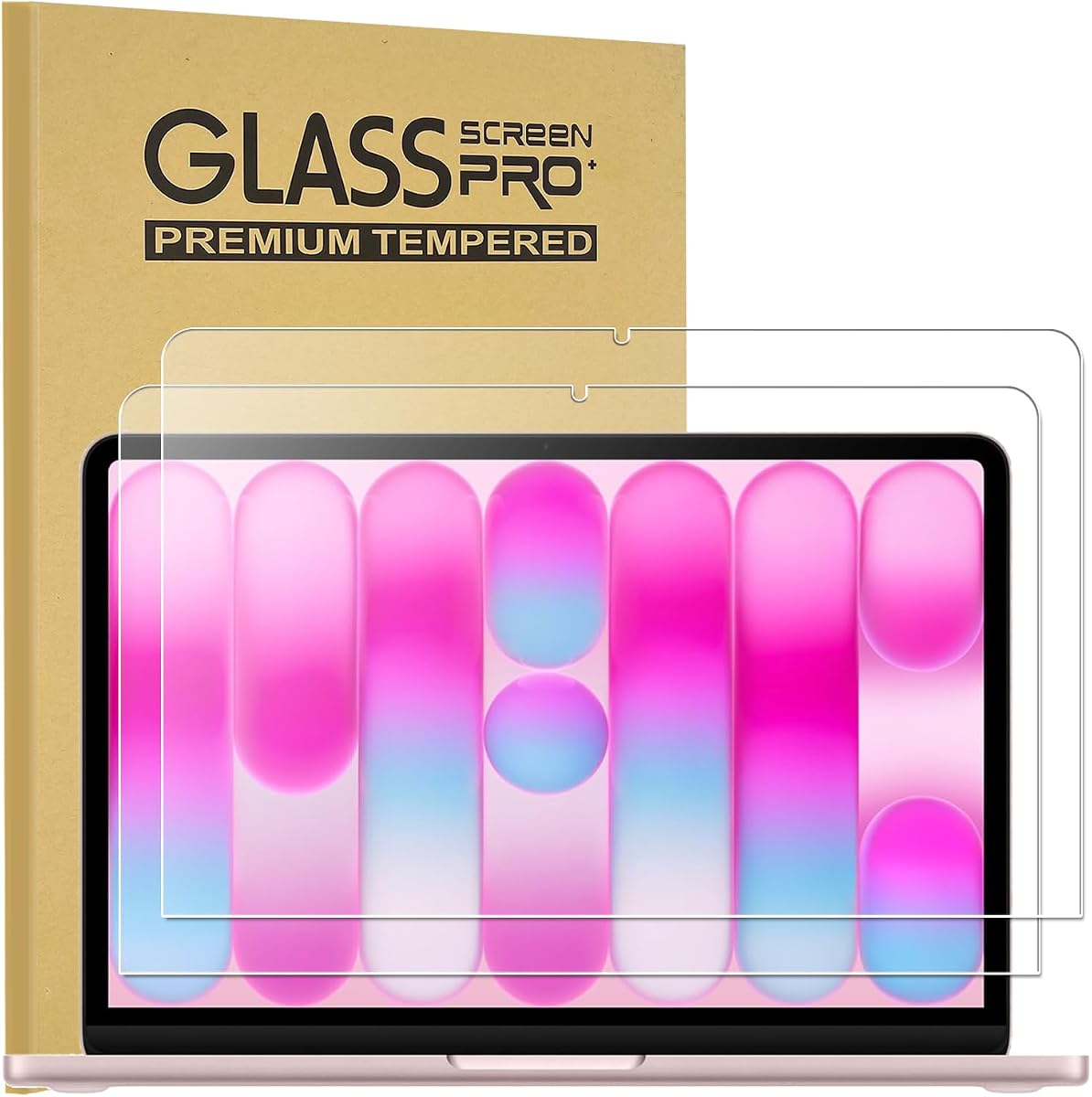
ProElife 2-Pack Anti Glare Screen Protector
4.6Editor score
Anti Glare Filter
Scratch Resistance
Easy Installation
Compare the top MacBook Neo screen protector options for 2026. We review privacy filters, anti-glare films, and tempered glass to find the best fit for your
Protecting your MacBook Neo display is essential for maintaining clarity and preventing costly damage. A quality screen protector safeguards against scratches, fingerprints, and glare while preserving visual fidelity.
We evaluated ten top-rated protectors based on fit, durability, clarity, and privacy features. Each option was analyzed against the 2026 Neo 13-inch model to ensure perfect compatibility and performance.
This guide highlights key differences between matte, glass, and magnetic privacy options. Prices fluctuate frequently, so check current listings before purchasing to secure the best value available today.
4.6Editor score

4.2Editor score

4.5Editor score
The following table provides a side-by-side comparison of all ten screened protectors. We highlight key specifications to help you quickly identify the best option for your specific workflow and privacy needs.


The ProCase 2 Pack Screen Protector stands out as our top choice for users seeking reliable clarity and scratch resistance. With a 4.2 rating and precision laser-cut dimensions, it ensures full edge-to-edge coverage without obstructing your camera or sensors.
We may earn a commission when you buy through this link, at no additional cost to you.
Its 9H hardness rating provides exceptional defense against keys and daily wear, while the static-cling adhesive layer simplifies installation by pushing out air bubbles automatically. This makes it accessible even for first-time users.
While tempered glass offers robust protection, it may show fingerprints more easily than matte films. Additionally, glass can crack if dropped, so pairing it with a sturdy case is recommended for maximum durability.
If you want a straightforward solution that maintains your Retina display clarity while protecting against scratches, this is the ideal pick. The included wipes and dust absorbers ensure a flawless setup experience every time.
Laser-cut dimensions ensure the protector aligns perfectly with the A18 Pro model without interfering with hinges or sensors.
High light transmittance keeps colors true to life and text crisp, preserving the Retina display's original appeal.
We may earn a commission when you buy through this link, at no additional cost to you.
The ProElife Anti Glare Screen Protector offers incredible value with its high 4.6 rating and low price point. Designed specifically for the 2026 MacBook Neo 13-inch, it reduces reflections significantly while maintaining eye comfort during long sessions.
We may earn a commission when you buy through this link, at no additional cost to you.
Its matte finish and anti-fingerprint coating keep your screen clean, and the included hard card helps smooth out minor bubbles for a seamless look. This makes it a top pick for students and professionals working in bright environments.
Some users note that small bubbles may take up to 48 hours to settle, which is normal for PET films. The matte coating might also slightly soften text sharpness compared to clear glass options.
If you want glare reduction without breaking the bank, this protector is an excellent budget-friendly solution. It strikes a great balance between affordability and functional protection for daily use.
Reducing glare helps minimize eye strain during extended work periods or while traveling in bright airports.
Low surface energy components repel smudges and oils, keeping your screen clearer for longer without constant wiping.
We may earn a commission when you buy through this link, at no additional cost to you.
Supershieldz delivers three high-quality PET protectors in one package, ensuring you have backups ready whenever needed. This option is perfect for households with multiple users or those who prefer replacing films periodically.
We may earn a commission when you buy through this link, at no additional cost to you.
The Japanese PET film ensures maximum resolution and flawless touch accuracy without interfering with screen response. It protects against daily scratches and dust while remaining easy to remove without leaving any sticky residue behind.
PET material is generally softer than tempered glass, meaning it may scratch faster over time. However, the three-pack ensures you always have a fresh protector on hand when wear becomes noticeable.
For users prioritizing touch sensitivity and a clear view, this set is a reliable choice. It is especially useful if you want a non-glass solution that remains lightweight and highly transparent.
Includes three screen protectors so you can swap them out easily whenever the current one wears out.
Designed to peel off cleanly, allowing for quick replacements without adhesive buildup on your screen.
We may earn a commission when you buy through this link, at no additional cost to you.
KEANBOLL offers a 3-pack of matte screen protectors tailored specifically for the A18 Pro chip model. This makes it a practical choice for families or shared offices where multiple screens need consistent protection.
We may earn a commission when you buy through this link, at no additional cost to you.
The matte finish significantly cuts down on glare and reflections, while the anti-fingerprint coating helps maintain a clean appearance throughout the day. It also provides reliable scratch resistance for daily wear and tear.
Note that this model fits only the A3404 version, so double-check your device model before ordering. Additionally, the matte texture can slightly reduce screen sharpness compared to clear films.
If you work in bright areas and need multiple protectors in one go, this pack is an ideal solution. It combines durability with privacy-friendly glare reduction at a reasonable price.
With three units included, you can keep spares on hand for easy replacements without reordering frequently.
The matte surface intercepts reflected light effectively, improving visibility without relying on higher brightness settings.
We may earn a commission when you buy through this link, at no additional cost to you.
This Magnetic Privacy Screen Protector offers an instant privacy solution with its snap-on magnetic attachment. It fits the 2026 Neo perfectly and blocks side views beyond ±30 degrees, making it perfect for public workspaces.
We may earn a commission when you buy through this link, at no additional cost to you.
The anti-glare and blue light blocking features help relieve eye strain during long hours, while the ultra-thin design ensures it doesn't interfere with most protective cases. It protects privacy without permanent adhesive residue.
Keep in mind that attaching this screen may prevent the laptop lid from closing completely, though sleep mode still works. The price is higher than basic films, but the privacy and health benefits justify the cost.
For remote workers or travelers concerned about data security, this is a smart investment. It combines essential privacy with eye comfort in one easy-to-use package.
Advanced privacy technology limits viewing angles so only you can see the screen contents clearly from the front.
Blue light blocking technology helps reduce visual discomfort and sleep disruption after long work hours.
We may earn a commission when you buy through this link, at no additional cost to you.
This magnetic privacy screen adds extra UV protection to your standard privacy needs, filtering out 97% of harmful radiation. It is designed to fit the A3404 Neo model precisely, ensuring a perfect fit every time.
We may earn a commission when you buy through this link, at no additional cost to you.
The magnetic attachment allows you to use the privacy screen only when needed, keeping your regular display clear during home use. The included cleaning kit and storage folder make maintenance effortless for daily commuters.
The privacy filter slightly softens screen sharpness, which is a common trade-off with such films. It also blocks side views but does not hide the screen from directly behind you.
If protecting your eyes from UV and blue light is a priority, this screen offers comprehensive coverage. Its flexible magnetic design adds significant value for users who need temporary privacy.
The advanced coating minimizes UV radiation exposure by 97% to support eye health over long periods.
The magnetic design lets you remove the privacy screen easily when not needed for a clear view.
We may earn a commission when you buy through this link, at no additional cost to you.
Peslv stands out for its precision engineering, having corrected the privacy angle thousands of times to ensure optimal protection. The magnetic strip is reinforced for a tight fit, ensuring your screen stays secure even while traveling.
We may earn a commission when you buy through this link, at no additional cost to you.
Imported materials from Japan and Germany enhance performance, reducing blue light by 95% and UV by 92%. The matte surface effectively blocks glare while maintaining ultra-high definition clarity close to the original display.
This screen is slightly more expensive than basic films due to its specialized engineering. Additionally, when attached, the laptop lid may not close fully, which could be inconvenient if you need to transport it with the screen on.
For users who want maximum protection with minimal interference, this is a top-tier choice. The storage clip makes it easy to take along for travel, protecting both your screen and data.
Imported German processes ensure superior light transmission for a near-original viewing experience.
The privacy angle has been fine-tuned to guarantee visibility only from directly in front.
We may earn a commission when you buy through this link, at no additional cost to you.
IPROKKO focuses specifically on eye health, using advanced filtering technology to block harmful blue light without altering color balance. The nano-silicone adhesive makes installation bubble-free and smooth for a professional finish.
We may earn a commission when you buy through this link, at no additional cost to you.
This ultra-slim PET screen is only 0.05mm thick, maintaining an original tactile feel while protecting against scratches and oils. It is ideal for students and seniors who spend long hours working on laptops daily.
While it offers excellent blue light filtering, it may still feel slightly different from glass. The two-pack ensures you can swap it out if needed, and the one-year warranty gives extra confidence.
If eye strain is a major concern, this protector delivers meaningful relief. It balances health benefits with durability, making it a strong contender for health-conscious buyers.
Filters harmful wavelengths efficiently, reducing headaches and sleep disruption from long screen sessions.
Self-adhering silicone adhesive pushes out bubbles automatically for a perfect, smooth fit every time.
We may earn a commission when you buy through this link, at no additional cost to you.
KEANBOLL delivers premium tempered glass protectors that maintain the original Retina display clarity without compromise. With a 9H hardness rating, these protectors provide the strongest defense against daily scratches and impacts.
We may earn a commission when you buy through this link, at no additional cost to you.
The ultra-clear transparency ensures that colors remain vivid and text is sharp, making this a favorite for creatives and designers. It includes a bubble-free adhesive for a smooth application without residue buildup.
Glass screens are slightly heavier than PET and may show fingerprints more readily than matte options. However, their superior scratch resistance makes them worth the trade-off for longevity.
If visual quality and scratch resistance are your top priorities, this option stands out. It combines high-end materials with practical design for a polished look.
Ultra clarity technology preserves the original screen colors and brightness for an unfiltered viewing experience.
The 9H hardness rating makes it highly resistant to scratches from keys and everyday abrasives.
We may earn a commission when you buy through this link, at no additional cost to you.
SightPro offers a premium magnetic privacy screen with patented removable technology designed for professionals. It features a multi-layer film that blacks out side views while keeping the front clear and bright.
We may earn a commission when you buy through this link, at no additional cost to you.
The instant snap-on magnetic attachment is effortless and damage-free, ideal for users who need to toggle privacy frequently. It is TAA compliant and includes a microfiber cloth for easy maintenance.
The main trade-off is that the screen prevents the laptop from closing fully when attached, though sleep mode works. The price is higher than basic films, but the quality and convenience justify the investment.
For corporate users or frequent travelers, this premium option delivers top-tier privacy and durability. It balances style with functionality for those who demand the best.
No need for tape or adhesive—just place the screen on the top bezel and let the magnets hold it secure.
TAA compliant design ensures it meets high standards for quality and safety for business use.
We may earn a commission when you buy through this link, at no additional cost to you.
Selecting the right screen protector depends on your usage habits, environment, and privacy needs. We outline the key factors to consider before making your final purchase.
Tempered glass offers superior scratch resistance and clarity but adds weight and thickness. PET films are lighter and cheaper but may scratch faster. Choose based on your priority for durability versus weight.
If scratch resistance is key, glass is ideal. If weight and cost are priorities, PET works well.
Privacy screens block side views using advanced filters. They are essential for public spaces like cafes or offices where sensitive data is displayed. Ensure the privacy angle meets your specific requirements.
Choose privacy screens if you often work outside; standard protectors work for home use.
Anti-glare (matte) protectors reduce reflections and fingerprints, improving visibility in bright light. Clear protectors maintain full vibrancy but may show reflections. Match the type to your lighting conditions.
Matte for bright environments; clear for color-critical tasks like design.
Blue light filters reduce harmful radiation that can cause eye strain and sleep issues. These are particularly helpful for long work sessions or evening use. Check efficiency ratings before purchasing.
Select blue light options if eye health is a top priority for your workflow.
Adhesive films offer permanent protection but require careful alignment. Magnetic screens provide removable convenience but prevent full lid closure. Choose the method that fits your workflow style.
Magnetic for flexibility; adhesive for permanent protection.
Ensure the protector matches your exact model number (e.g., A3404). Laser-cut protectors prevent misalignment and camera obstruction. Verify compatibility before ordering to avoid returns.
Always match the model number to ensure a perfect edge-to-edge fit.
Look for kits that include cleaning wipes, dust absorbers, and squeegees. Some come with multiple packs for replacements. These extras save time and improve installation success.
Choose bundles with cleaning tools for a professional installation experience.
Many premium protectors come with one-year warranties or lifetime replacement policies. Check the seller's support reputation. This ensures help is available if issues arise during use.
Prioritize brands that offer clear warranty terms and responsive support.
Before installing, ensure your MacBook Neo screen is clean and free of dust. Use the provided alcohol wipes to remove oils and lint for a smooth application.
Align the protector carefully before releasing the backing adhesive. If bubbles appear, use a microfiber cloth or card to gently push them out toward the edges.
For magnetic privacy screens, attach them when you need privacy in public spaces. Remember to remove them before transporting your laptop to avoid lid closure issues.
Most high-quality protectors maintain Retina display clarity. Tempered glass preserves brightness and color, while matte films slightly reduce vibrancy but improve visibility in bright settings. Always choose certified products.
Yes, but check the protector thickness. Ultra-thin films work with most cases, but thicker glass may prevent the lid from closing. Magnetic screens typically require case removal.
Use a dry microfiber cloth to wipe off smudges. Avoid harsh chemicals or paper towels that could scratch the coating. For adhesive films, mild solutions are safe if needed.
Magnetic screens are easiest to install. Adhesive privacy films require careful alignment but include tools to help. Follow the instructions to ensure proper privacy angles.
Some premium protectors block UV rays. Check specifications for UV filtering percentages. Not all models include this feature, so verify before purchasing.
PET and glass films peel off cleanly without residue. Magnetic screens detach instantly. Always use a soft cloth to avoid scratches during removal.
Yes, most protectors listed are designed for the A3404 model with the A18 Pro chip. Always double-check compatibility before ordering.
Small bubbles often resolve within 48 hours. Use a squeegee or card to push them out. If persistent, try re-aligning or consulting the product manual.
Choosing the best protector depends on your priority for clarity, privacy, or durability. Our top picks cover all needs from budget-friendly PET films to premium magnetic privacy screens.
If eye strain is a concern, prioritize anti-glare or blue light options. For frequent travelers, magnetic privacy screens offer unmatched convenience. Match the features to your typical work environments.
Always verify model compatibility and check current prices before finalizing your order. With the right protector, your MacBook Neo will stay looking great for years to come.